Jianhao's journal ·
Back in China. Still Coding from My Phone.
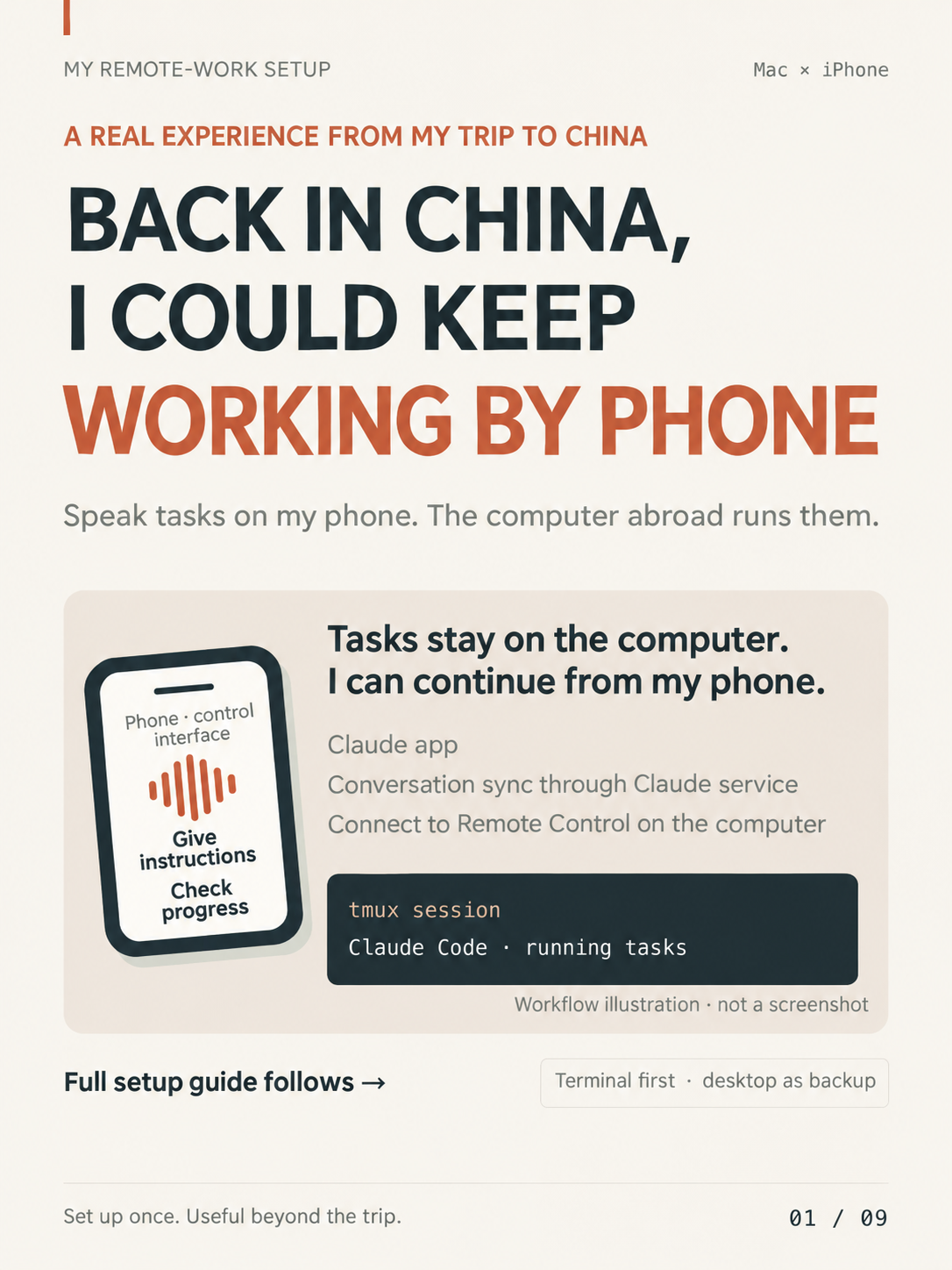
Voice commands on my iPhone, Claude Code on my Mac abroad. The setup that kept work moving.
Why I set this up before the trip
Before visiting China, I wanted to keep using Claude Code and Codex. Concerned about regional availability and account risk, I left my development environment on my computer abroad and prepared remote access. During the trip I even worked from my phone on a plane when usable connectivity was available. I still find the setup useful after the trip: I can leave my computer, speak a task into my phone and keep work moving.
The setup and two different connections
My remote MacBook Pro runs the work; my iPhone and MacBook Air are access devices. I prepared SSH for the terminal and Remote Desktop for the full desktop, both through Tailscale. In my test, those direct connections worked without an extra VPN or eSIM. For the Claude app, separately, I bought an eSIM data package before leaving; on that trip I could use the app with it without an extra VPN. These are observations from my trip, not guarantees of availability.
My usual interface became voice in the Claude app with Remote Control. The app synchronizes the conversation through Claude’s service; Remote Control and the task run on the Pro inside tmux. This service connection is separate from direct SSH or desktop access over Tailscale.
Prepare the devices
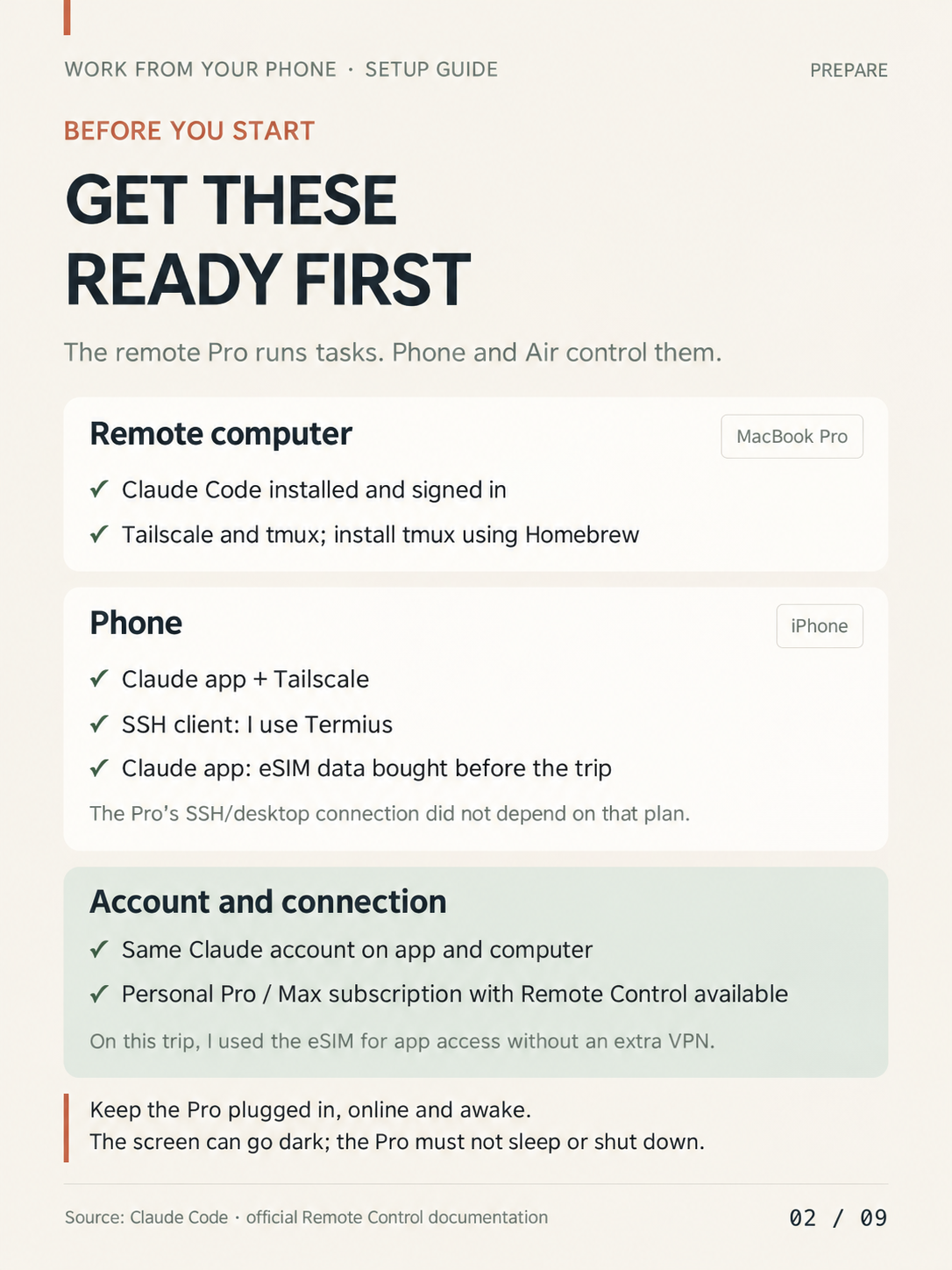
On the Pro I installed and signed in to Claude Code, installed Tailscale and used Homebrew to install tmux. On my iPhone I installed the Claude app and Tailscale; I used Termius as my SSH client. I signed in to Claude with the same account on both devices. The original guide listed a personal Pro or Max account with Remote Control available; check the current eligibility documentation.
Keep the Pro powered, online and awake. Its display can turn off, but the computer must not sleep or shut down.
Connect with Tailscale
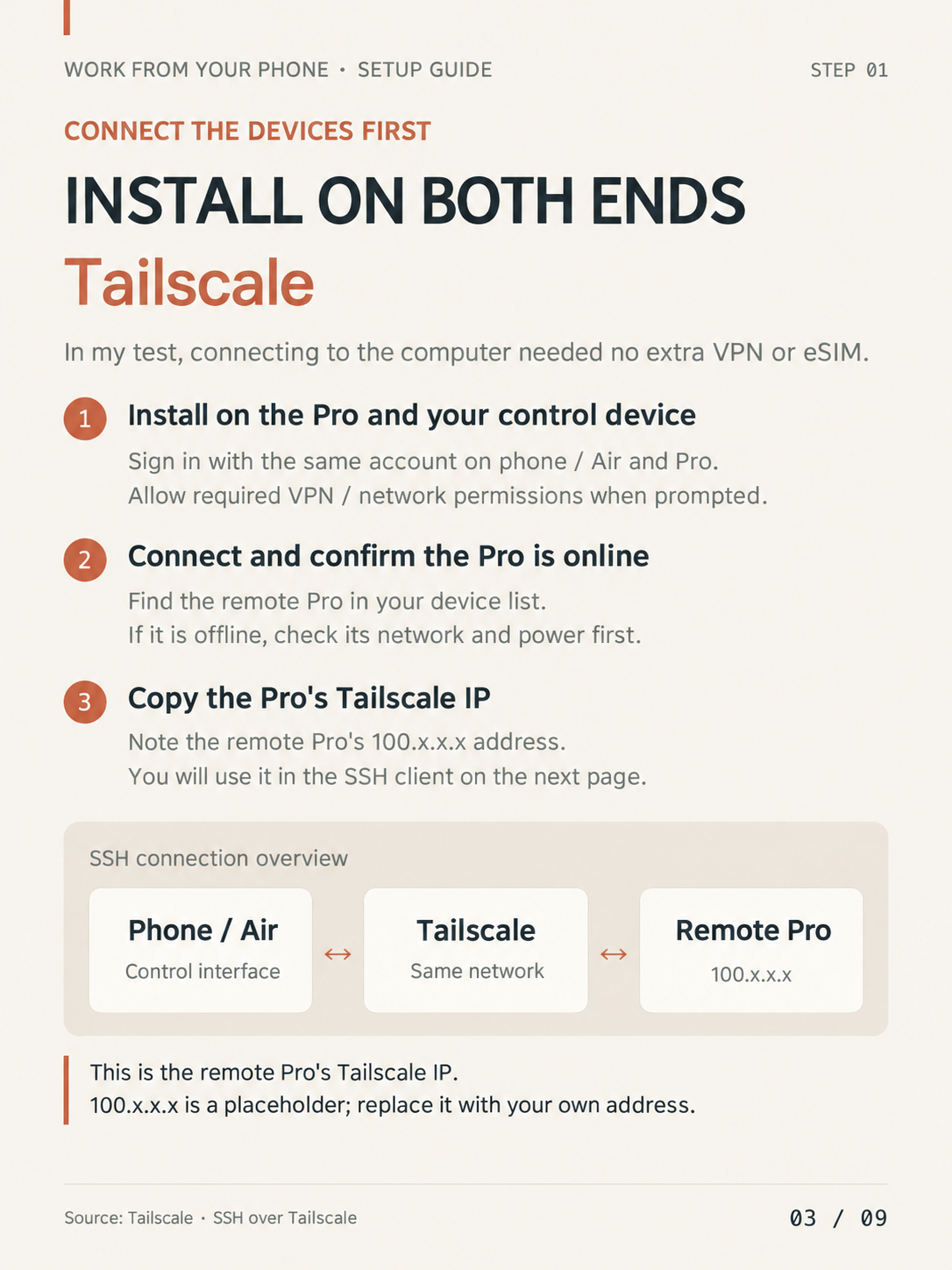
Install Tailscale on the Pro and the phone or Air, sign in with the same account, allow the requested VPN/network permissions and connect. Check that the Pro appears online; if it is missing, check its power and network. Copy its Tailscale address, shown here as the placeholder 100.x.x.x, for the SSH client. Use your own address. This is ordinary macOS SSH over the Tailscale network, distinct from configuring the separate Tailscale SSH server feature.
Enable Remote Login and connect over SSH
On the Pro, open System Settings → General → Sharing → Remote Login. Limit access to “Only these users” and add your own user. In the SSH client, use the Pro’s Tailscale IP as host, port 22, the Pro’s local username, and either an SSH key or its login password. Run whoami in the Pro’s terminal to find the username. A successful connection lets the phone enter the Pro’s terminal and run a remote command.

What tmux preserves
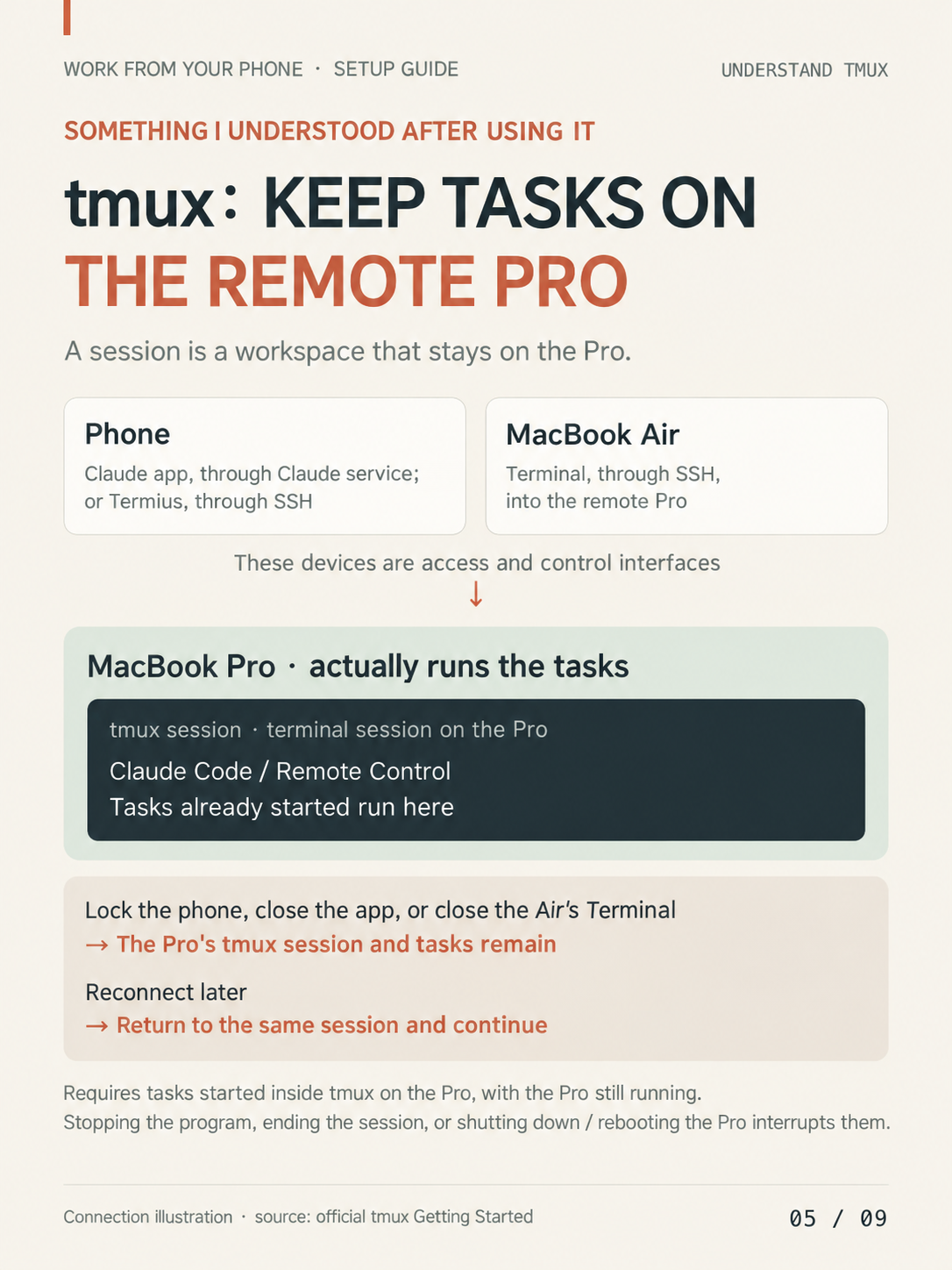
A tmux session is a terminal workspace on the Pro, where Claude Code, Remote Control and tasks actually run. The phone and Air control or access that workspace. If I lock the phone, close the app or SSH client, or close the Air’s Terminal, a task started inside tmux can continue on the running Pro; I can reconnect to the same session. Stopping the program or session, or shutting down or rebooting the Pro, interrupts it. tmux does not keep the phone’s network connected.
Create the session in the project
After connecting to the Pro over SSH, run the following on the Pro. The first command requires Homebrew; skip it if tmux is already installed. mobile-work is a name I chose, and the project path is a placeholder to replace with your own.
brew install tmux
tmux new -s mobile-work
cd "/your/project/path"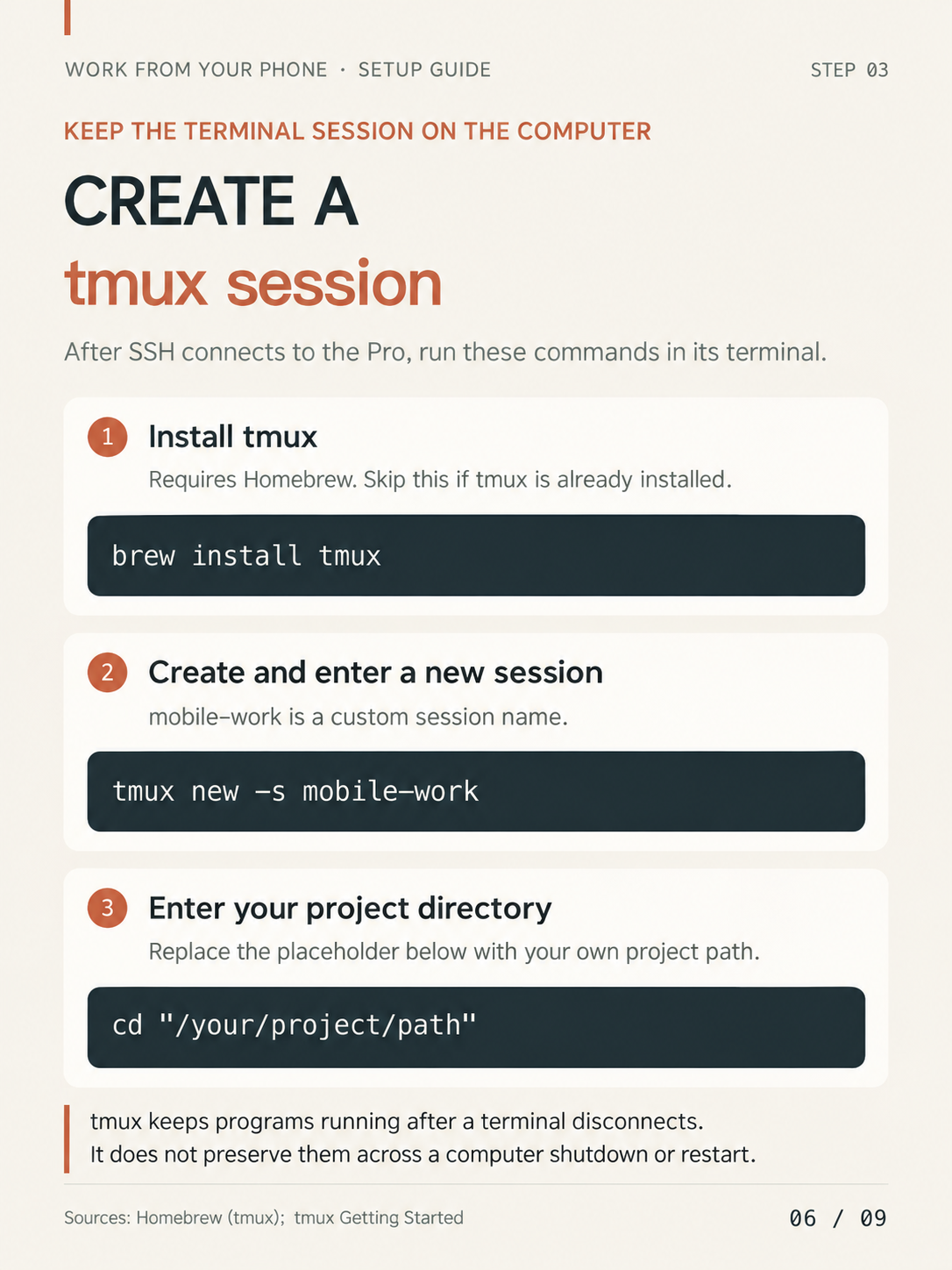
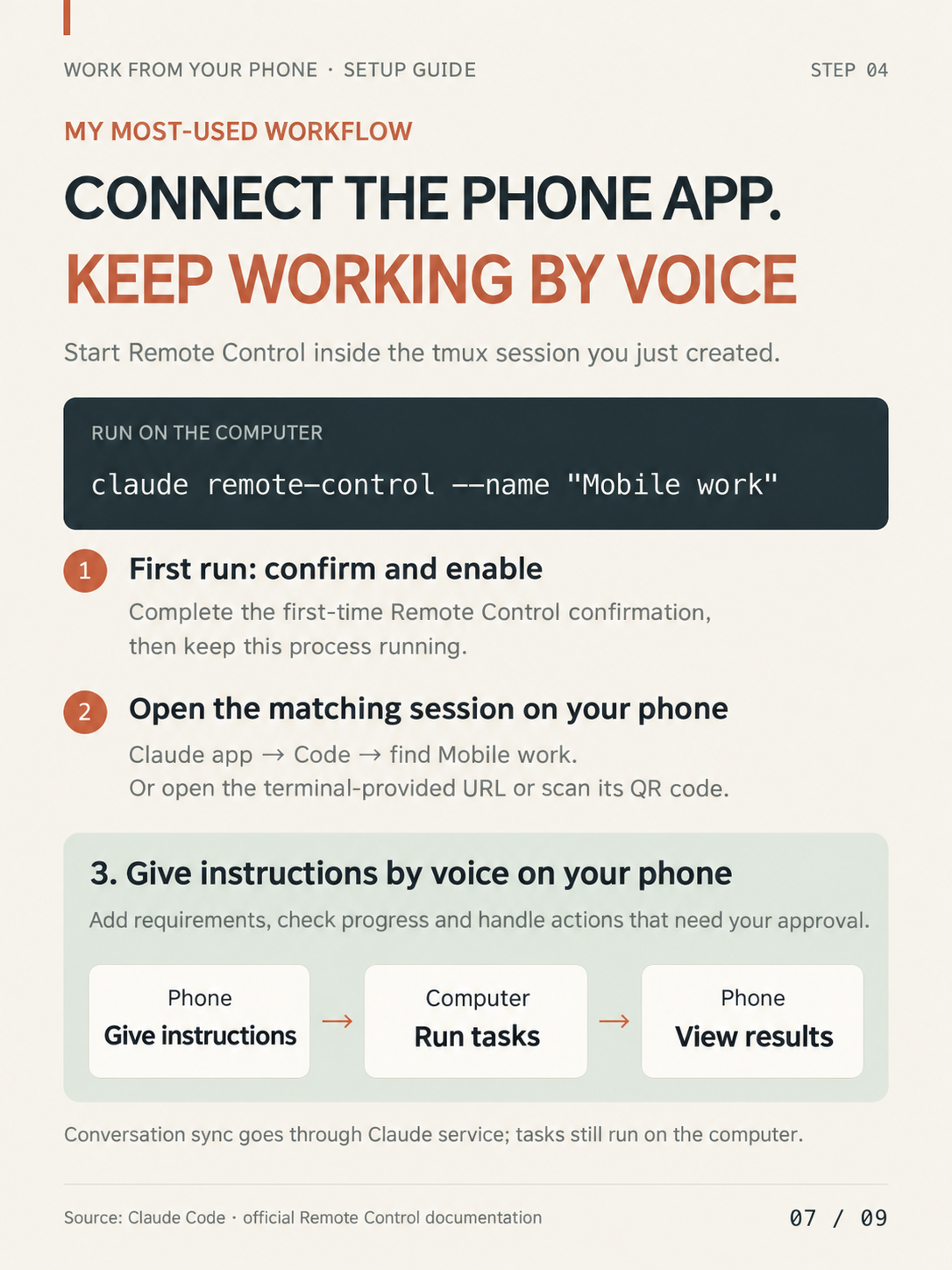
Continue from the Claude app by voice
Inside that tmux session on the Pro, start Remote Control:
claude remote-control --name "Mobile work"On first start, complete the confirmation shown by Claude Code and leave the process running. In the Claude app, open the Code tab and select “Mobile work”; the terminal’s URL or QR code are alternatives. I speak the task, check progress and results, add requirements and handle any requested approvals on the phone. The conversation syncs through Claude’s service while execution remains on the Pro.
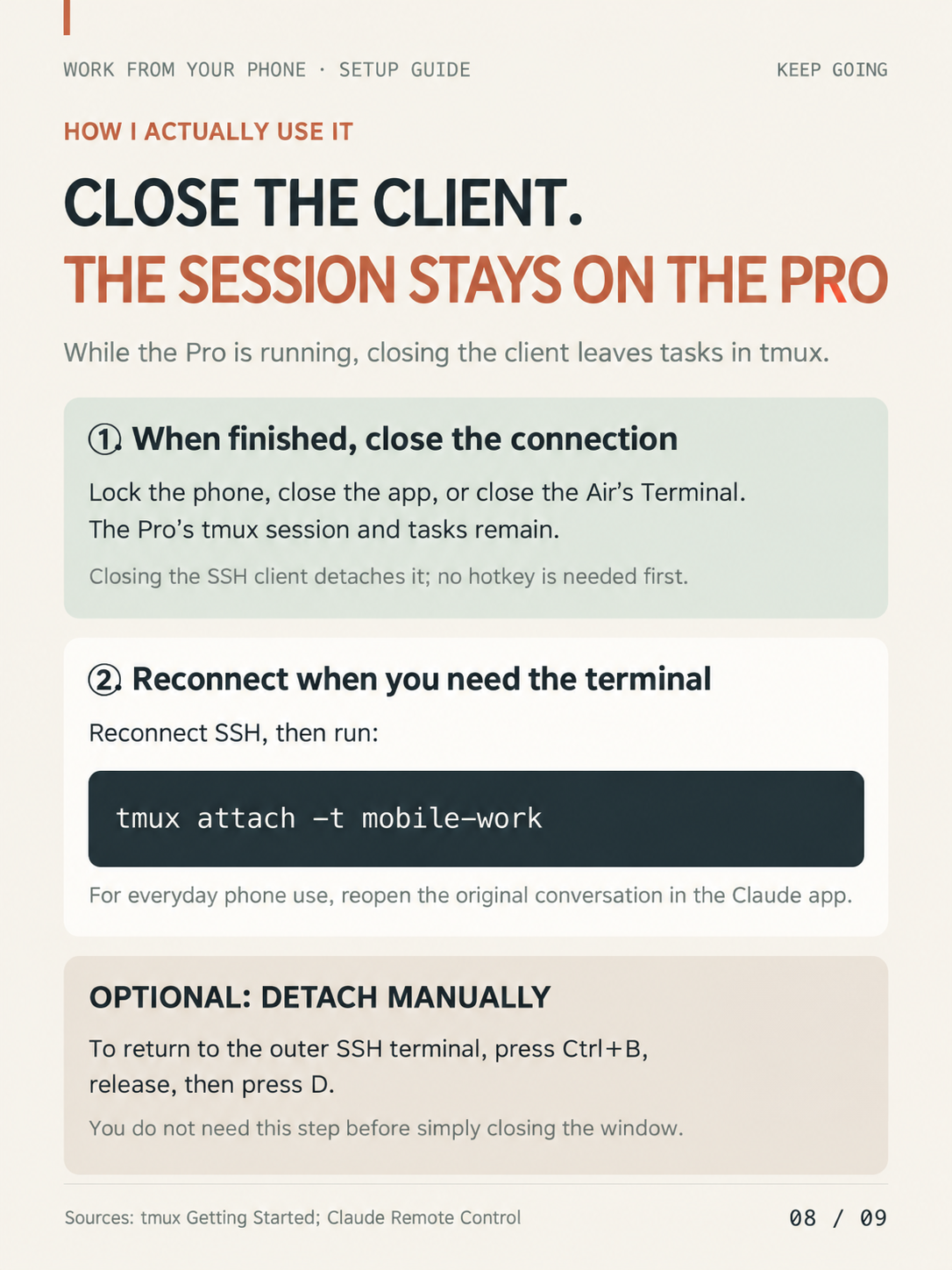
Disconnect and come back
I can close the client normally, lock my phone or close the Air’s terminal. No detach hotkey is required first. With the Pro still running, the tmux session and its tasks continue. To return to the terminal, reconnect SSH and run:
tmux attach -t mobile-workFor my usual phone workflow, I reopen the same Claude app conversation. To detach manually to the surrounding SSH shell, optionally press Ctrl+B, release, then D.
Test before leaving, and keep a desktop backup
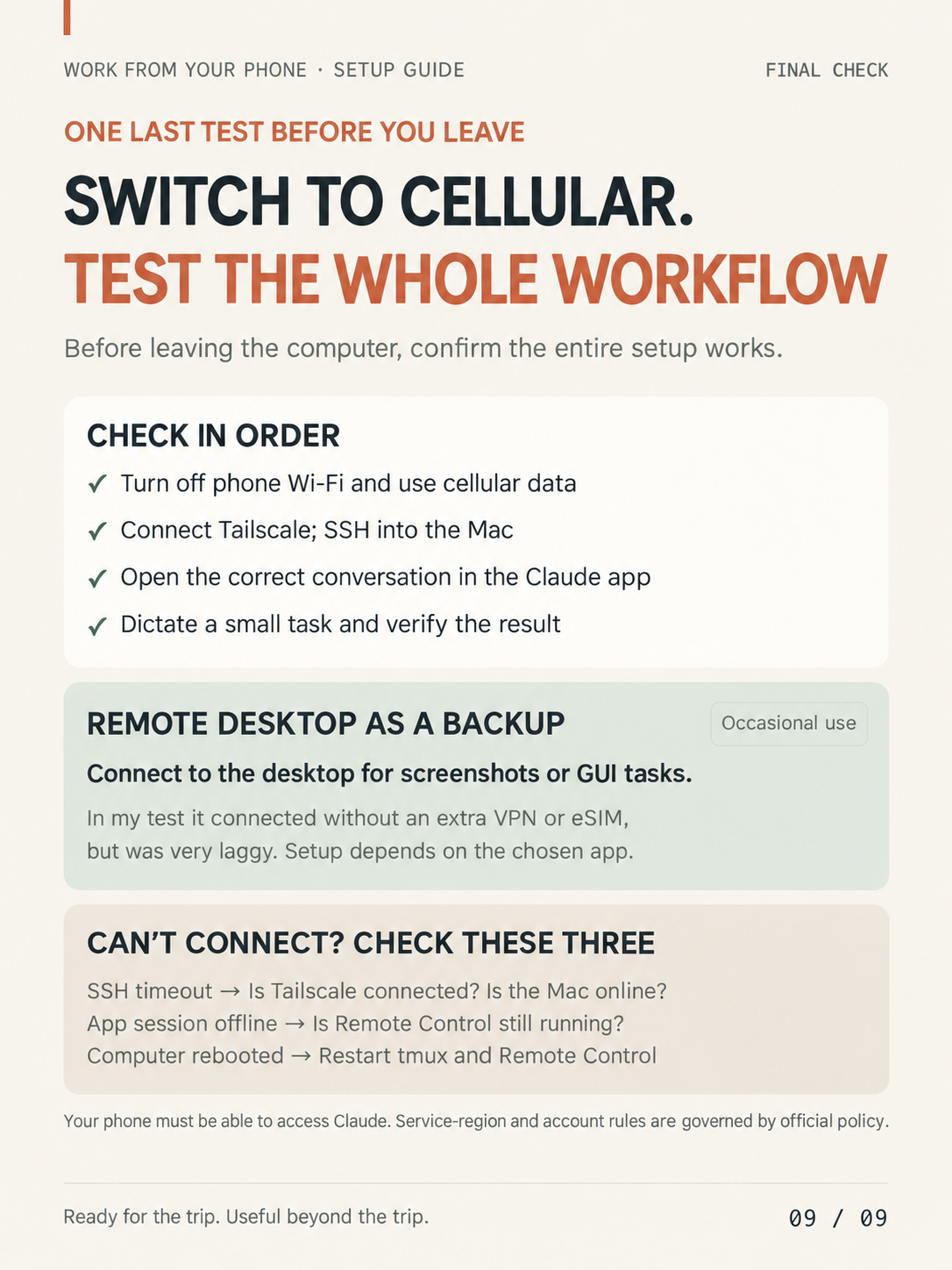
Before leaving, turn off phone Wi-Fi and test on cellular: connect Tailscale, enter the Mac over SSH, open the right Claude app session, dictate a small task and verify the result. I kept Remote Desktop for screenshots and GUI tasks. It connected without an extra VPN or eSIM in my test, but was very slow; most of my work was easier in Terminal. Desktop setup depends on the app chosen.
- SSH timeout: check Tailscale and whether the Mac is online.
- App session offline: check that Remote Control is running.
- Computer rebooted: restart tmux and Remote Control.
The phone must be able to access Claude. Service-region and availability rules are governed by the official policy, and my network experience is not a universal guarantee.
Sources and original post
Adapted from my Xiaohongshu post, published October 14, 2026 in Toronto. References: Apple Remote Login, Tailscale, tmux, Homebrew and Claude Code Remote Control. The illustrations are English adaptations of the original graphics, not screenshots.